Your photos stay on your computer.

Lumenkorn is a photo library and RAW developer. It catalogs your folders, develops RAW files and uses AI for keywords, masks and noise reduction, all on your own machine. No account, no cloud, no subscription.

Free and open source (GPL-3.0) · Windows, Linux from source · English and German

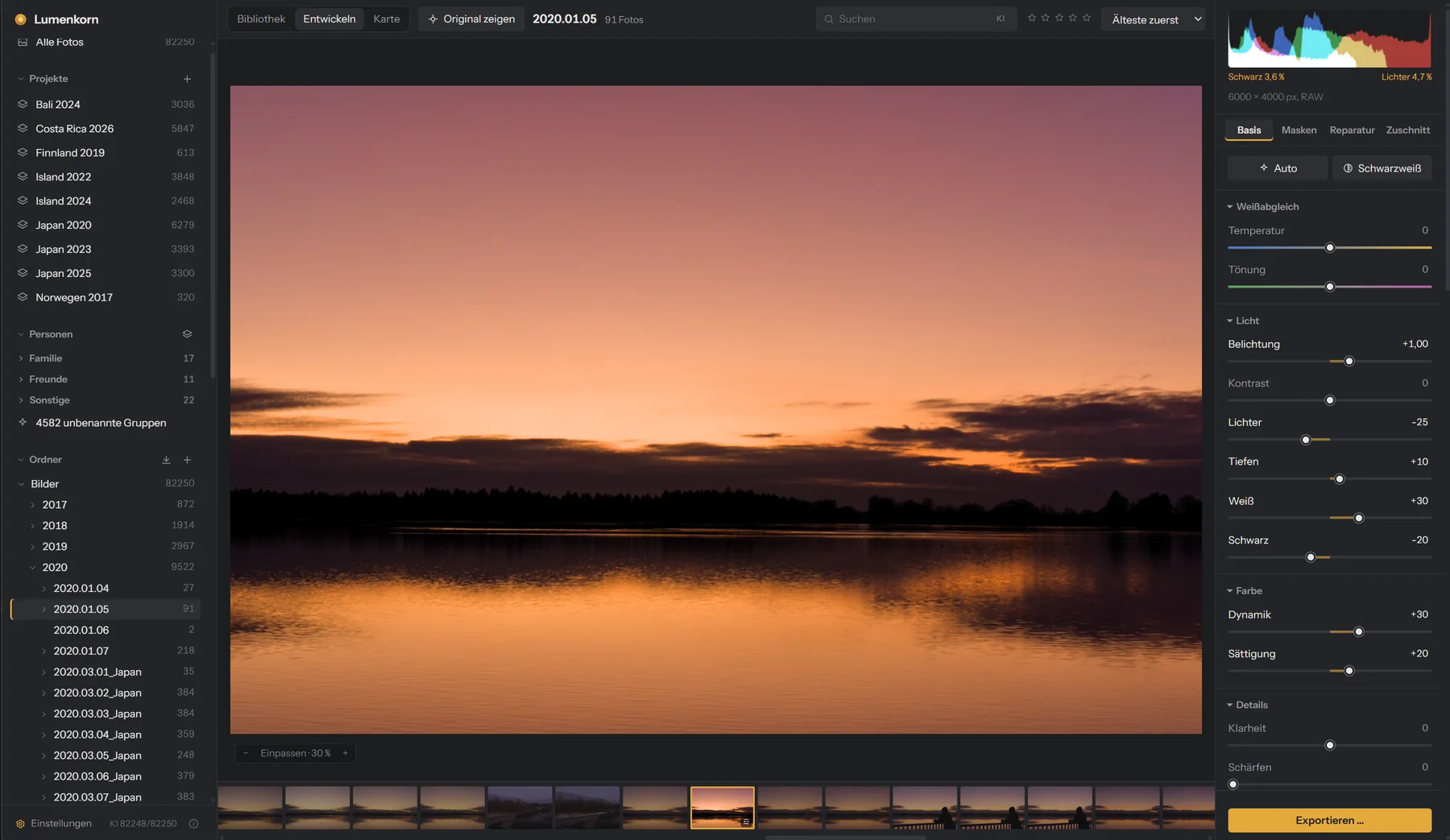
Lumenkorn's Develop view with a sunset over a lake and the sliders for white balance, light and color

Nothing leaves your disk

Lumenkorn reads your folders where they are and never changes the originals. Catalog and edits are a local file. There is no account and nothing to sync.

RAW development with depth

Scene-referred processing based on darktable, lens correction, tone curve, color grading and local masks. On the graphics card it reacts within milliseconds.

AI that works offline

Open models are downloaded once and then run on your CPU or GPU: keywords, search by content, masks for sky, people and animals, noise reduction and object removal.

Library

Tens of thousands of photos, quickly sorted

Add your photo folders and Lumenkorn builds a catalog. Rate with stars, pick and reject, add keywords and gather folders into projects, also across drives.

Moved or renamed files are recognized by their content, so ratings and edits stay with the photo. Importing from a memory card sorts photos into dated folders and checks every copy byte by byte.
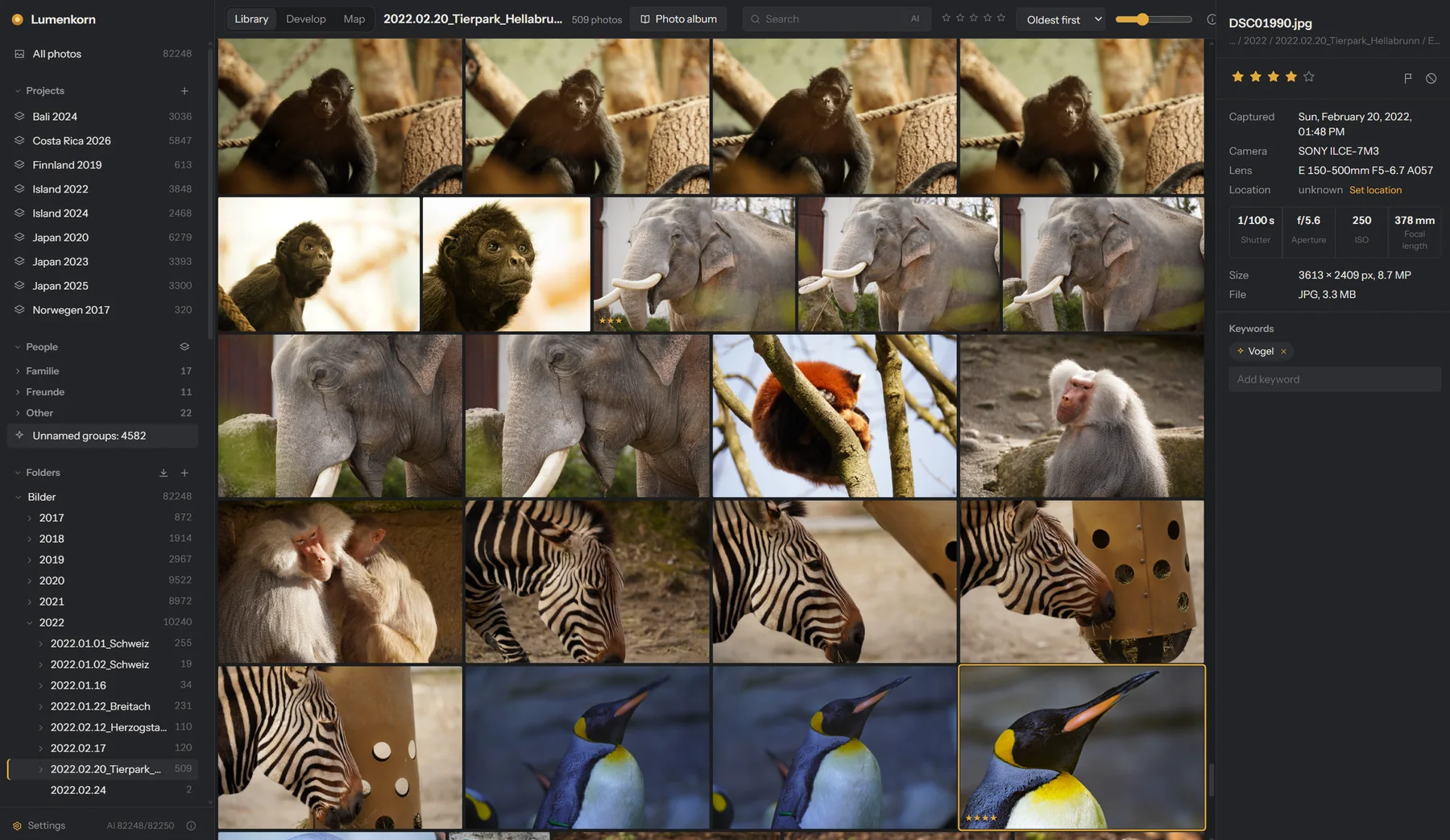
Library with animal photos from a zoo, a penguin selected, its camera data on the right
Develop

From a flat RAW to a finished photo

White balance, exposure, highlights and shadows, clarity, dehaze, HSL, color grading and a tone curve. Auto gives a balanced starting point and learns from your edits how you like your photos.

Edits are non-destructive. Drag the slider to compare.

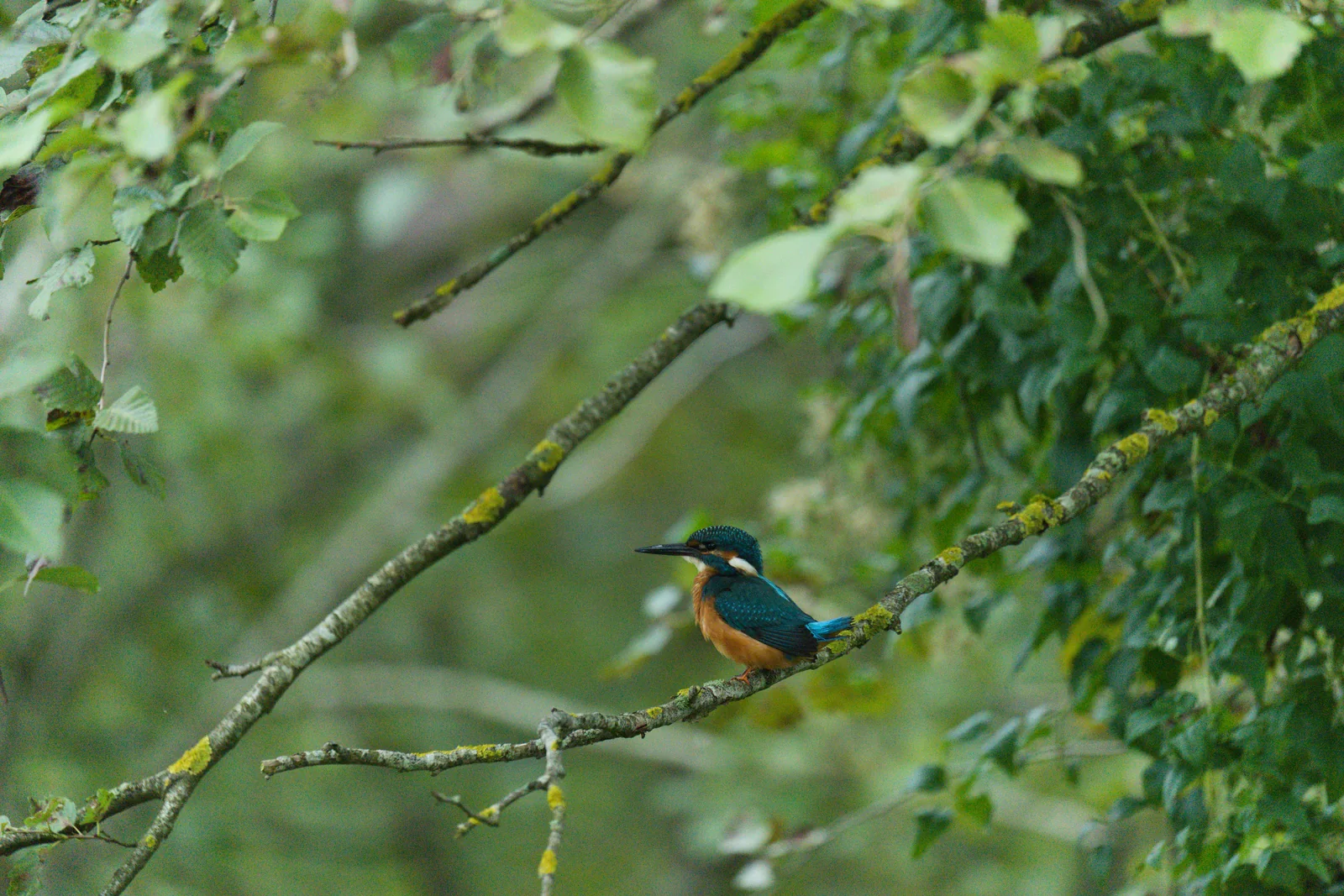
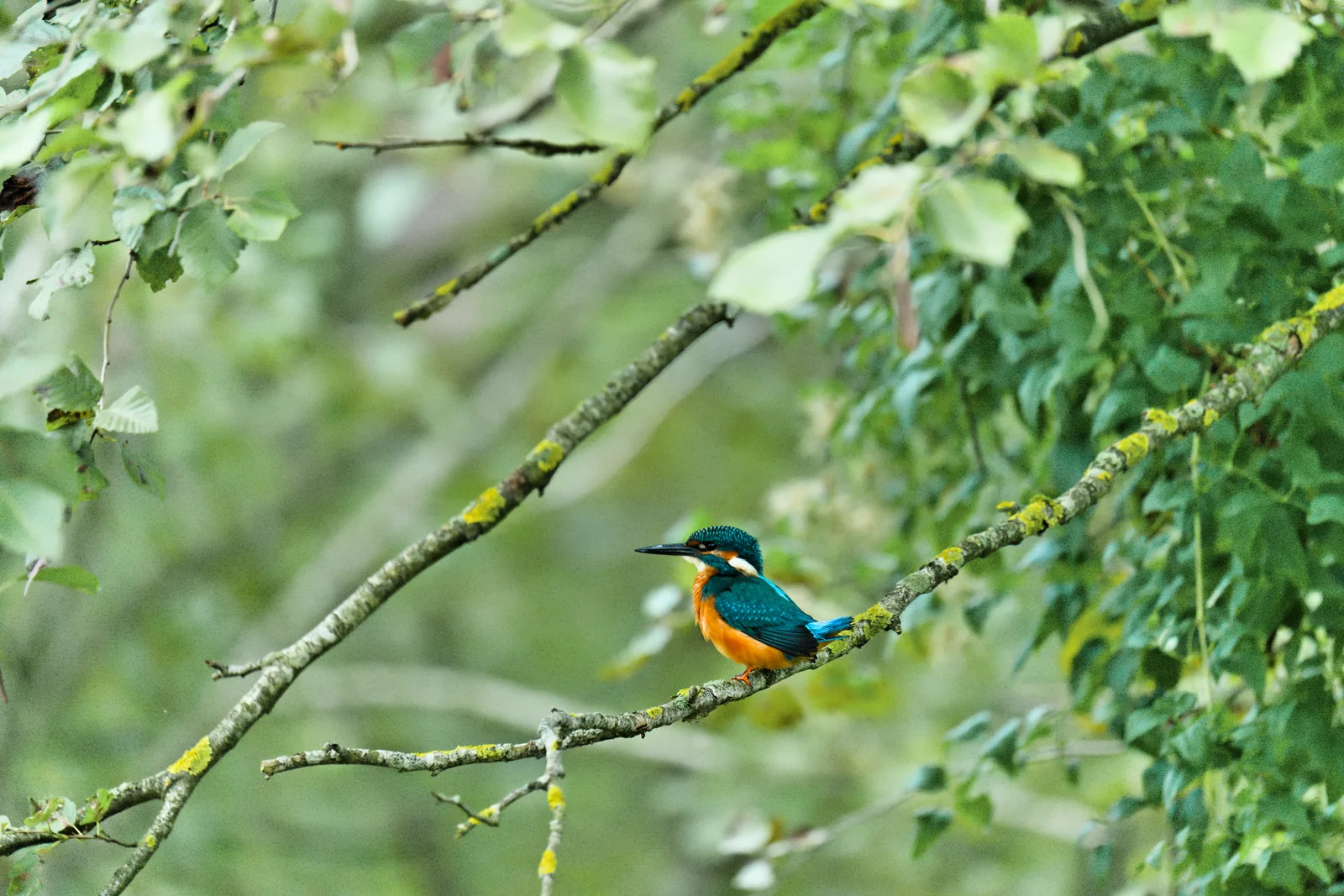
Kingfisher on a branch, after editing: warm, clear colors
The same photo before editing: flat and dull
BeforeAfter
AI masks

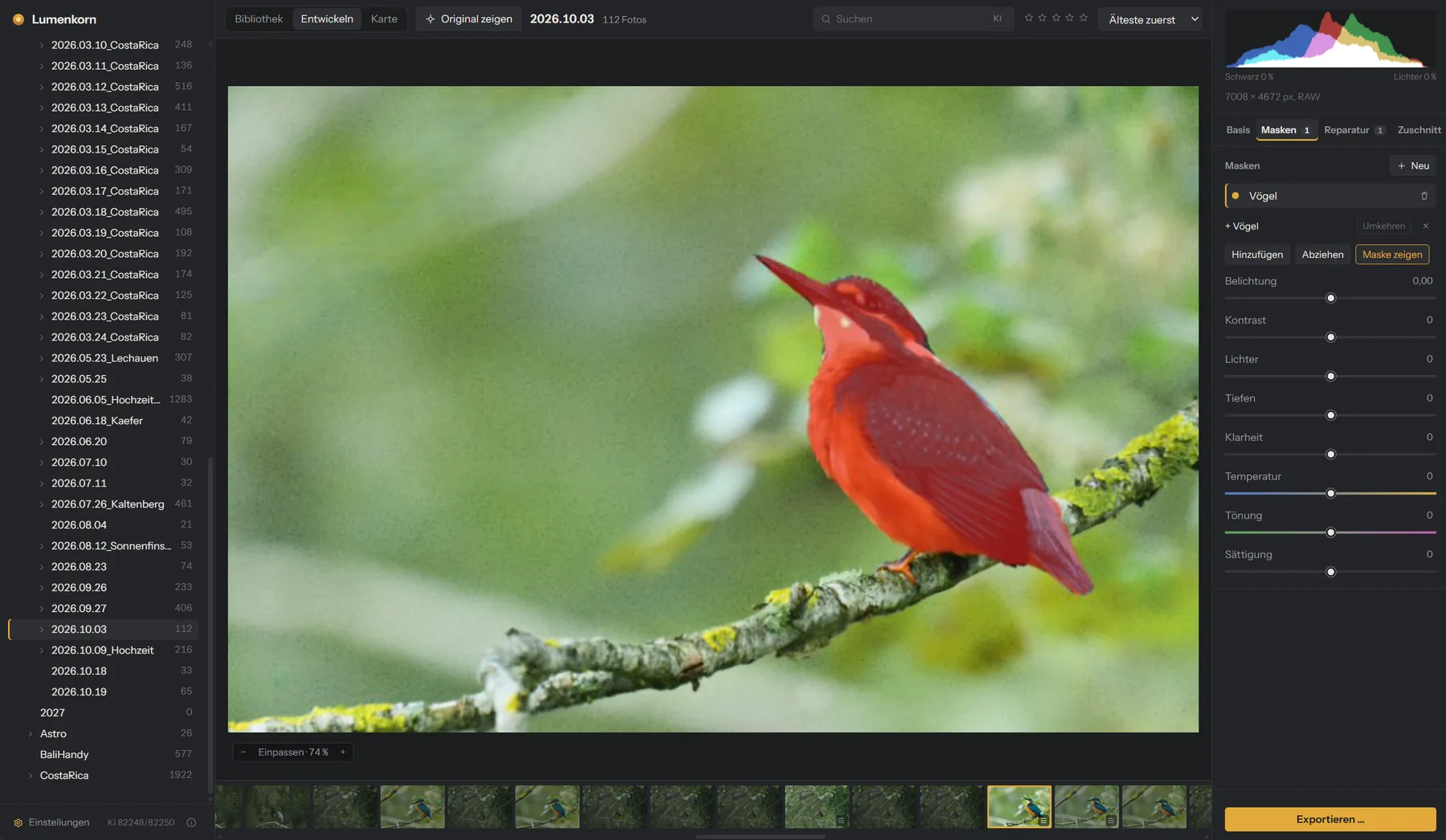
Select the bird, not the brush

One click selects the subject, the sky, people (or just their hair, eyes or skin) or animals. Masks can be combined, such as “sky minus church tower”, and each gets its own sliders.

Gradients, brush and color range are there too, for everything AI cannot guess.

Kingfisher selected with an AI mask, shown in red
Photo album

A photo book from a trip, in minutes

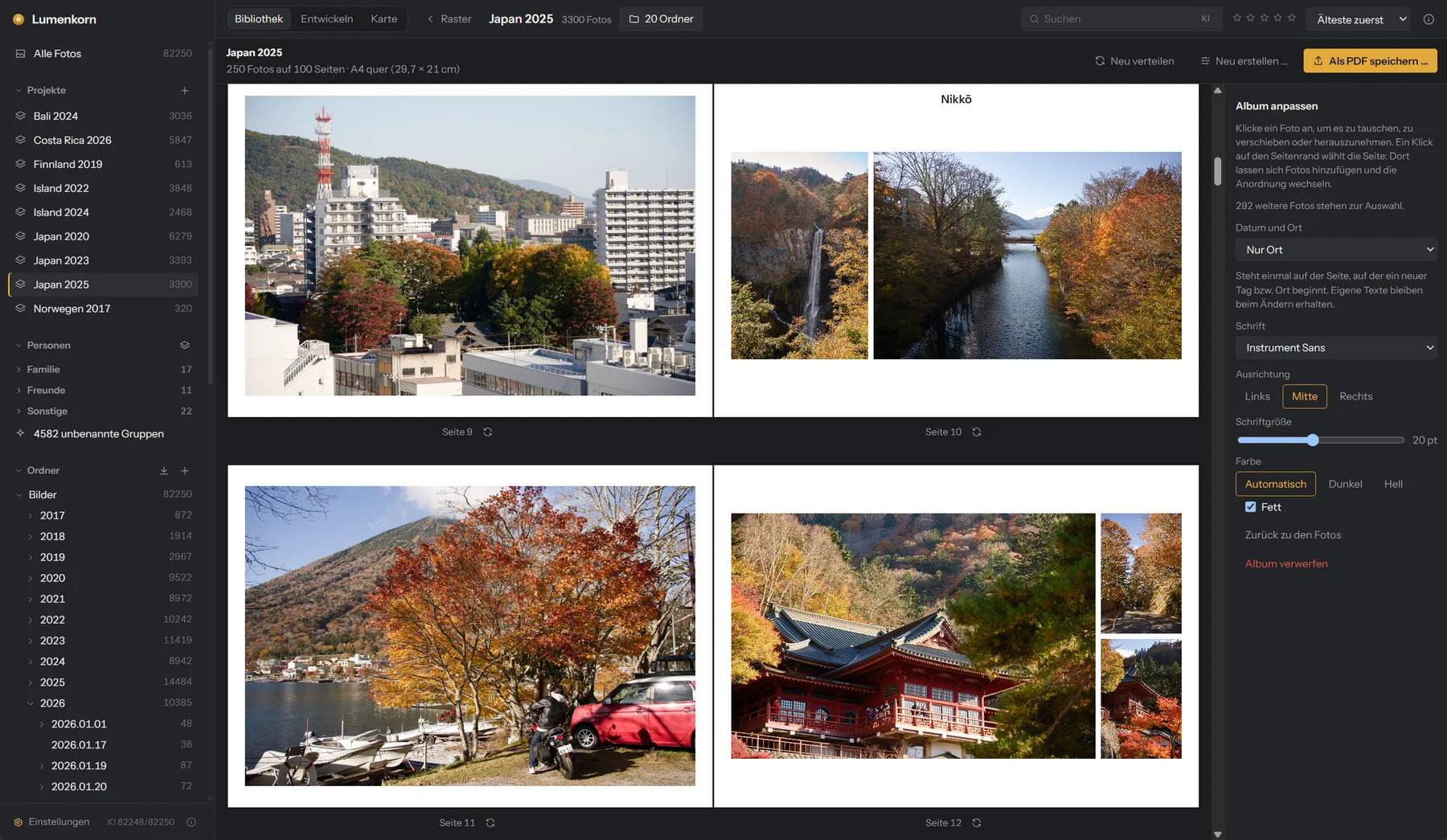
Pick a theme and a page size. Lumenkorn chooses sharp, well-exposed photos, leaves out near-duplicates, always includes your 4 and 5 star photos and lays out the pages in time order, with place names and an optional map page.

Then change anything you like and save a print-ready PDF.

Photo album with autumn photos from Japan, two double pages and the text options

Try it on your own photos

Lumenkorn is free. Install it, add a folder and start. The AI models are optional and only downloaded when you ask for them.